 ExFlow
Is Framer Hosting Too Costly? Here is How to Export and Leave the Platform
Framer has revolutionized the way designers build websites. Its "canvas-to-site" approach is undeniably powerful, allowing for high-fidelity animations and responsive layouts that were once the sole domain of experienced developers. But as your site grows and the traffic starts rolling in, a common question begins to surface: Is Framer hosting actually worth the price?
For many creators and businesses, the initial allure of Framer's ease of use is eventually met with the reality of its hosting costs. When you have multiple sites, high-traffic demands, or custom requirements, the monthly bill can start to bite. In this guide, we’ll explore why you might want to leave the Framer ecosystem and, more importantly, exactly how to do it using ExFlow without losing a single pixel of your design.

The Hidden Cost of Platform Lock-in
Framer's pricing model is primarily per-site. While this makes sense for a single portfolio, it becomes a scaling challenge for agencies or businesses managing dozens of landing pages. Each site requires its own "Pro" or "Business" subscription to remove badges, use custom domains, and handle high bandwidth. This "platform tax" adds up quickly.
Beyond the dollar amount, there is the issue of control. When you host with Framer, you are tied to their infrastructure. If you want to implement custom server-side logic, integrate with a specific CI/CD pipeline, or simply have a backup of your source code, you're out of luck. You are essentially renting your presence on the web, not owning it. For businesses that value data sovereignty and infrastructure flexibility, this lock-in is a significant hurdle.
Why Self-Hosting is the Future for Power Users
Self-hosting your Framer site as a static export offers three major advantages:
- Unbeatable Performance: Static files served via a Global CDN like Cloudflare or AWS S3 are lightning-fast. Since there is no database to query or server-side rendering to wait for, your Time to First Byte (TTFB) is minimized.
- Cost Efficiency: You can host dozens of sites on a single account for a fraction of what Framer charges for one. Services like Cloudflare Pages even offer a generous free tier for static sites.
- True Ownership: Once you have the files, the site is yours. No one can pull the plug or raise prices on you overnight. You can version-control your site on GitHub and deploy it wherever you choose.
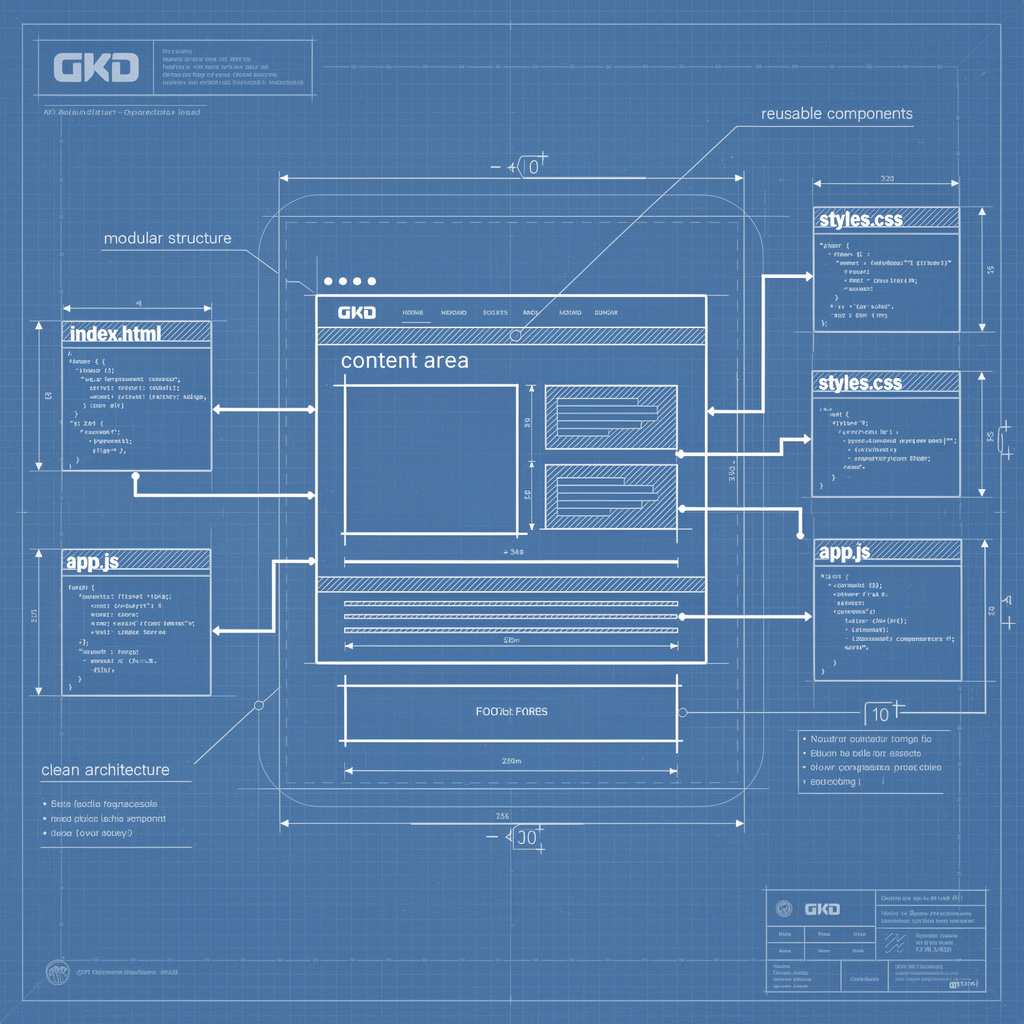
How to Export Your Framer Website (The Right Way)
You might have tried generic tools like HTTrack in the past, only to find that your Framer animations are broken, images are missing, or the mobile layout is a mess. Framer sites are complex; they rely on proprietary scripts and specific asset loading sequences. Simple scrapers often fail to capture the dynamic nature of Framer's output.
This is where ExFlow comes in. Unlike generic scrapers, ExFlow is a specialized Framer website exporter designed to understand the underlying structure of the platform. It doesn't just "scrape"; it intelligently unbundles the site into clean, usable code.
Step 1: Prepare Your URL
Simply copy the live URL of your Framer site. Whether you are using a framer.website subdomain or a custom domain, ExFlow can access the public version of your site to begin the export process.
Step 2: Configure ExFlow
Head over to ExFlow.site and enter your domain. You can customize your export settings to ensure the transition is seamless:
- Badge Removal: Check the option to automatically strip the "Made in Framer" badge from your footer, giving your site a 100% white-label feel.
- Asset Optimization: ExFlow ensures all CSS, JS, and image files are correctly linked and downloaded into logical folders.
- Custom Scripts: If you want to add your own analytics or custom CSS after the export, ExFlow allows you to inject these files directly into the bundle.
Step 3: Run the Export and Sync
Initiate the process. ExFlow will crawl your site, capturing every animation, transition, and hover state. Once finished, you can download a clean ZIP file or use one of ExFlow's powerful syncing features. ExFlow supports automatic syncing to S3, Git, and FTP, meaning you can push your changes directly to your new hosting provider without manual uploads.
Where to Host Your Exported Site?
Once you have your files, you have multiple hosting options that offer more flexibility and lower costs than Framer's native hosting:
- ExFlow Hosting: For the easiest and fastest experience, ExFlow offers built-in hosting. It provides unlimited bandwidth and a straightforward way to link your custom domain. It's the performance of a CDN with the ease of a specialized platform.
- Cloudflare Pages: An excellent choice for developers who want free hosting with top-tier global distribution. By syncing ExFlow with a Git repository, you can set up a completely automated deployment pipeline.
- Amazon S3: The industry standard for static asset storage. Using ExFlow's S3 sync, you can host your site for pennies per month with 99.999% reliability.
- GitHub / Netlify: Ideal if you want to keep your site files under version control. This allows for easy collaboration and rollback capabilities that aren't easily accessible within Framer.
Conclusion: Is it Time to Leave?
If you're tired of high monthly fees and want more control over your digital assets, moving to a self-hosted model is a smart move. Transitioning from Framer's hosting ecosystem doesn't mean sacrificing the visual quality of your site. With ExFlow, you get the best of both worlds: the incredible design capabilities of Framer and the freedom and savings of independent hosting.
Stop paying for high-tier plans just to host a simple site. Start owning your web presence today with ExFlow.